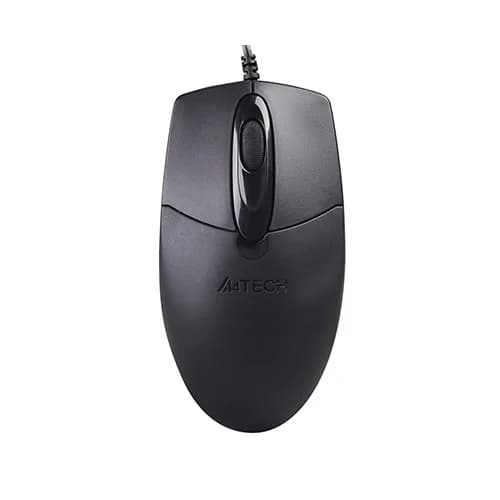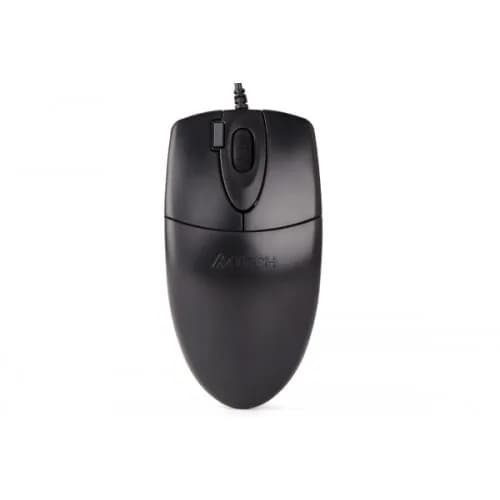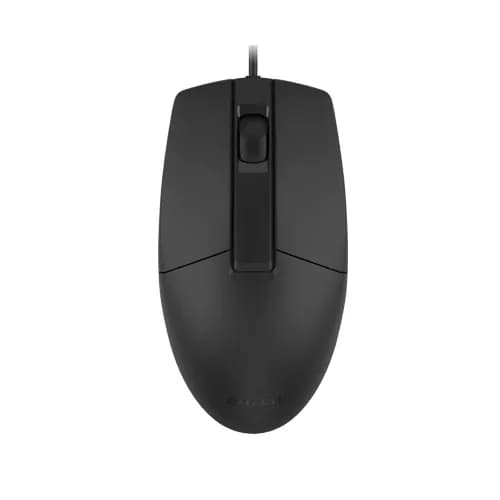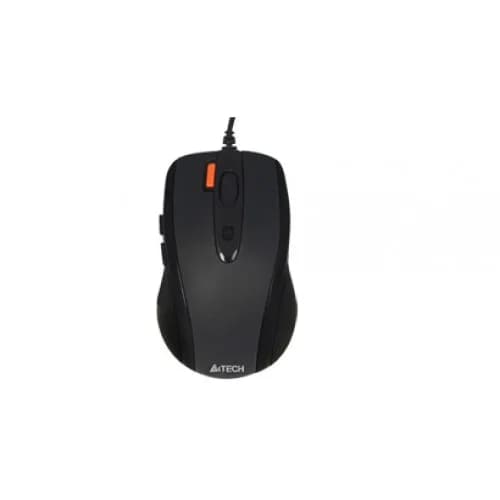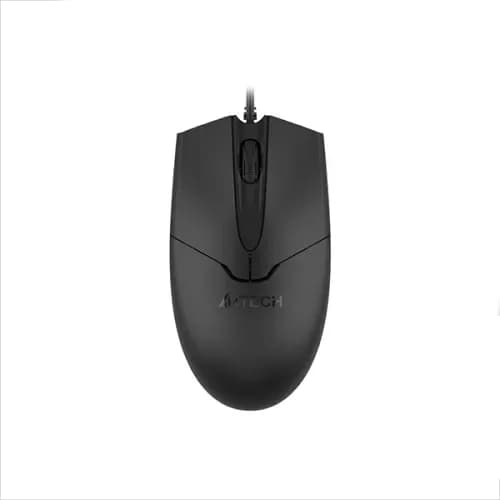
A4Tech OP-550S Silent Wired Optical Mouse
To be announced
Upcoming
This product is an upcoming release. Ordering will be enabled once stock arrives.
Key features
- Model: OP-550S
- 3 buttons with silent click
- 1200 DPI optical sensor
- 150 cm cable length
- Up to 5M button clicks switch lifecycle
- 8-in-One software and 4-way wheel
Specification
General
| Connection Type | Wired |
| Resolution | 1200 DPI |
| Cable Length | 150 cm |
| Number of Buttons | 3 |
| Switch Lifecycle | 5M Clicks |
| Compatibility | Windows 10/11 |
Physical
| Color | Black |
| Dimension | 116 x 62 x 38 mm |
| Weight | 58 g (w/o cable) |
Description
The A4tech OP-550S Silent Wired Optical Mouse is a reliable and efficient accessory that provides smooth performance, comfort, and durability for daily computer tasks. It includes 8-in-One software that boosts productivity by providing a variety of functions, and the 4-way wheel allows for easy movement in numerous directions. The dust-resistant wheel provides additional protection, allowing the mouse to remain clean and functional for extended periods.
With a lifecycle of 5 million button pushes, this mouse ensures long-term durability, making it an excellent investment for both work and study. Its symmetric design ensures ergonomic comfort for both left and right-handed users, and the silent click buttons create a quiet atmosphere ideal for offices, libraries, and late-night use. The A4tech OP-550S mouse's optical sensor provides precise tracking with a resolution of 1200 DPI, assuring accuracy for applications ranging from browsing to casual gaming.
Questions (0)
Have questions about this product? Get specific details from our tech experts.
There are no questions asked about this product yet.
Reviews (0)
Authentic feedback from verified customers who purchased this product.
This product has no customer reviews yet.
A4Tech OP-550S Silent Wired Optical Mouse
To be announced